
Veylan apps
Your business shouldn’t have to fit the software.
AI apps built around your business. Explore information, compare options, and review the evidence in one place.
Turn the way you work into an app.
A Veylan app brings your company’s data and agent workflows into an interactive tool for a specific job. People can explore information, compare options and review the result. Build one for yourself or share it with the team.
Explore the appsData & tools
Bring the right information.
Agents & workflows
Work with your methods.
Interactive apps
Explore, review and share.
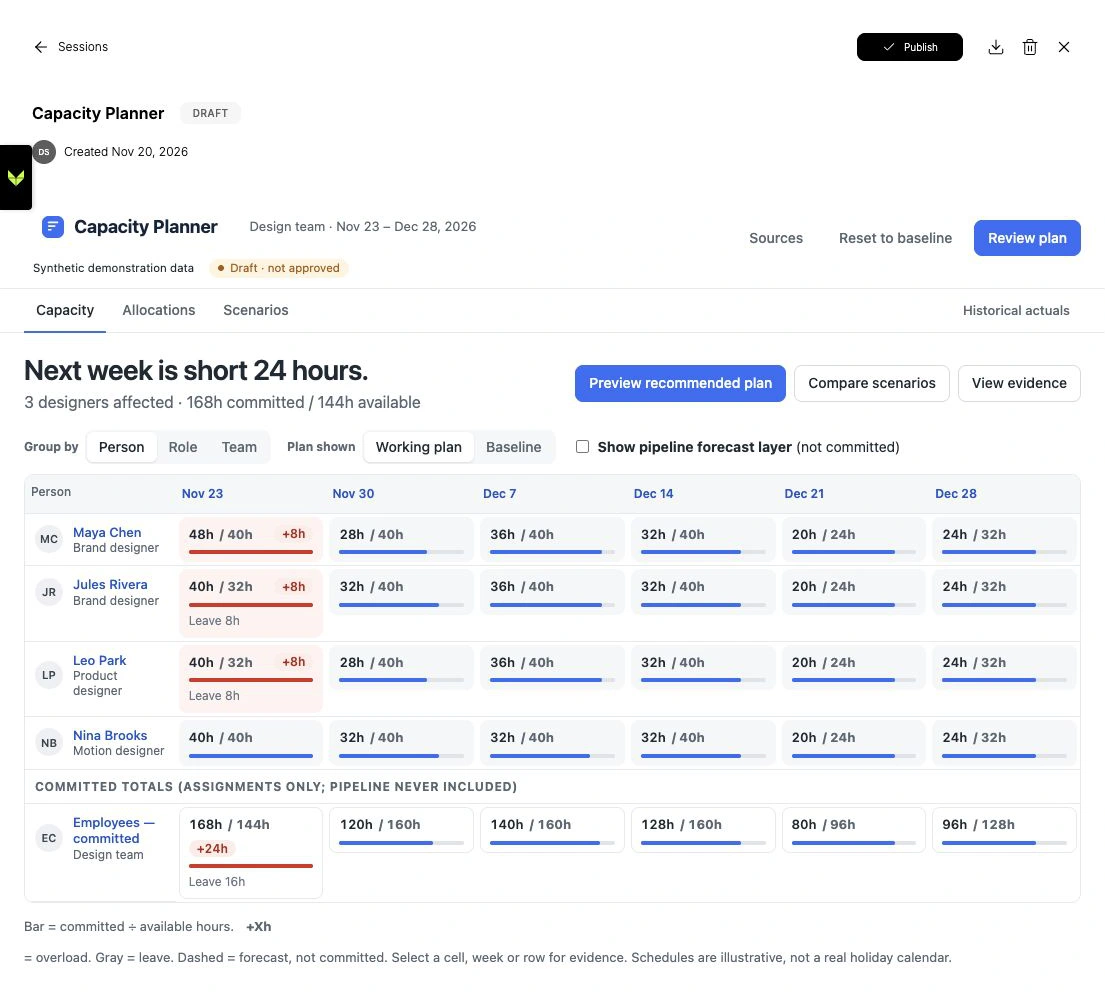
Capacity Planner
See the workload. Explore the trade-offs.
See where commitments exceed your team’s availability. Compare deferring flexible work with adding contractor support, then preview the impact before choosing a plan.
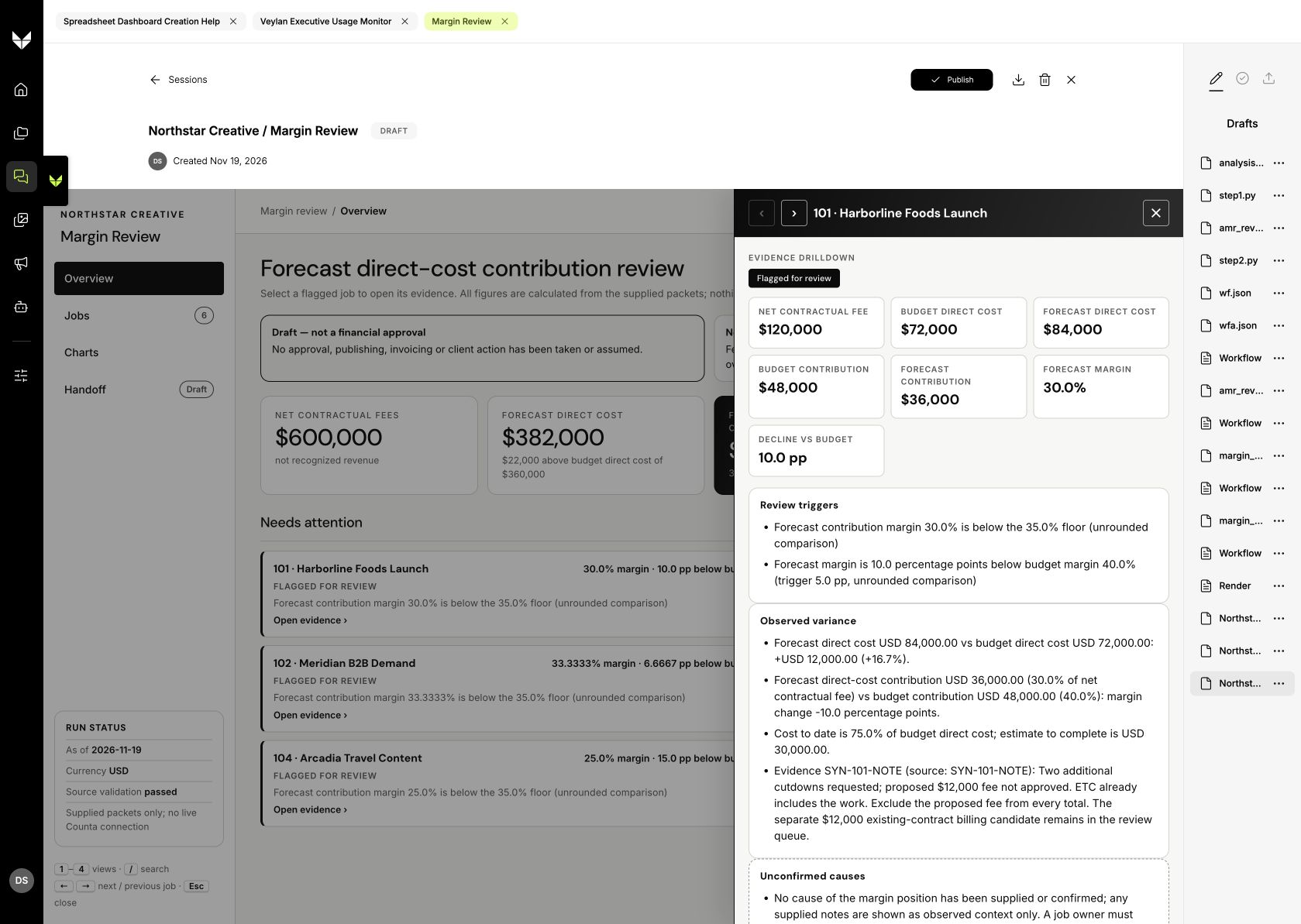
Margin Review
Find the jobs that need a closer look.
Bring job costs, revenue and review rules into one place. Surface jobs that need attention and inspect the evidence behind each flag.
Prepare a tailored proposal to review with the advertiser.
Start with an advertiser brief and explore campaign ideas across channels. Bring creative, rationale, sample copy and scripts into one proposal workflow.
Advertiser Proposal
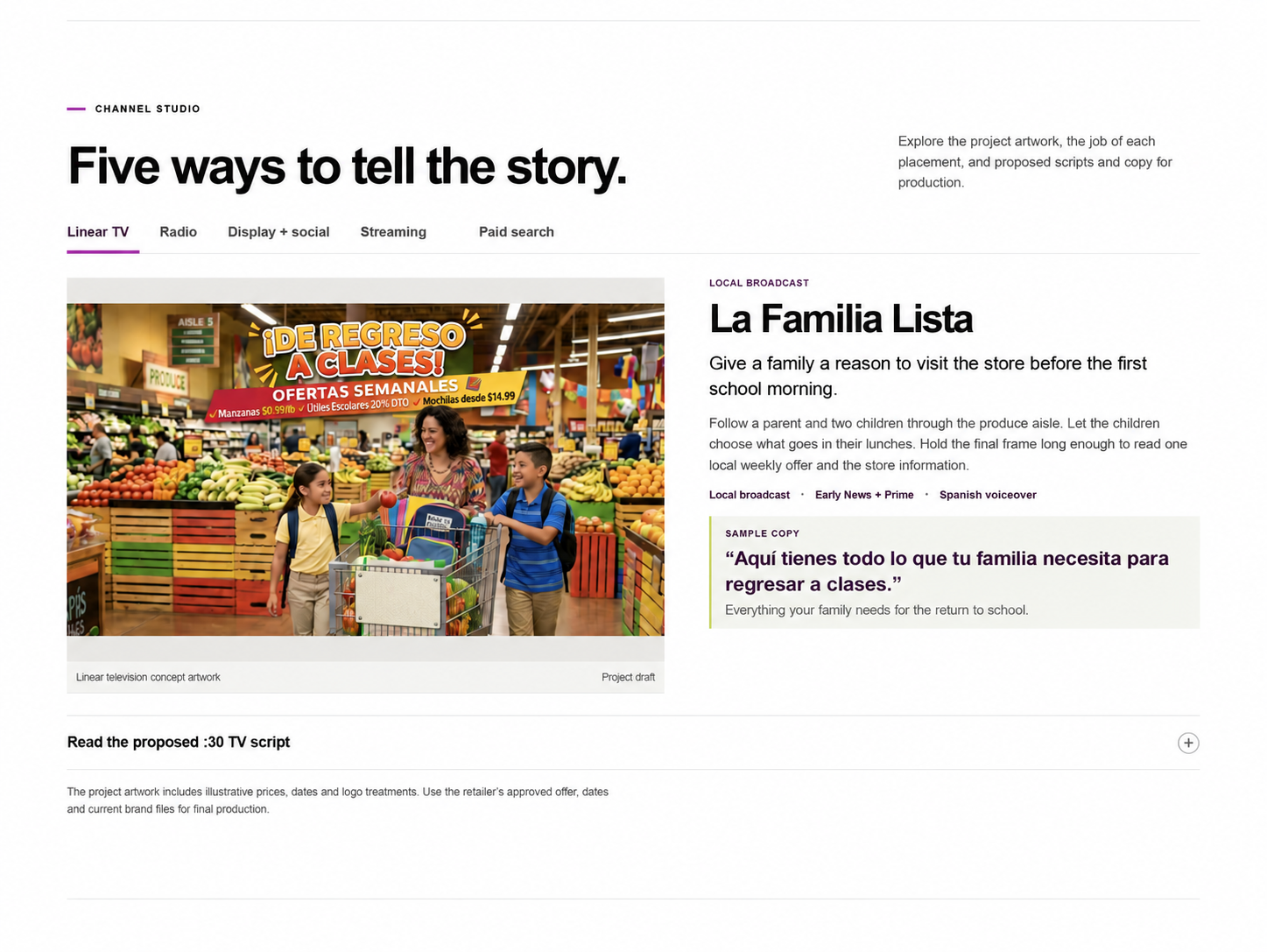
Explore one campaign idea across every channel.
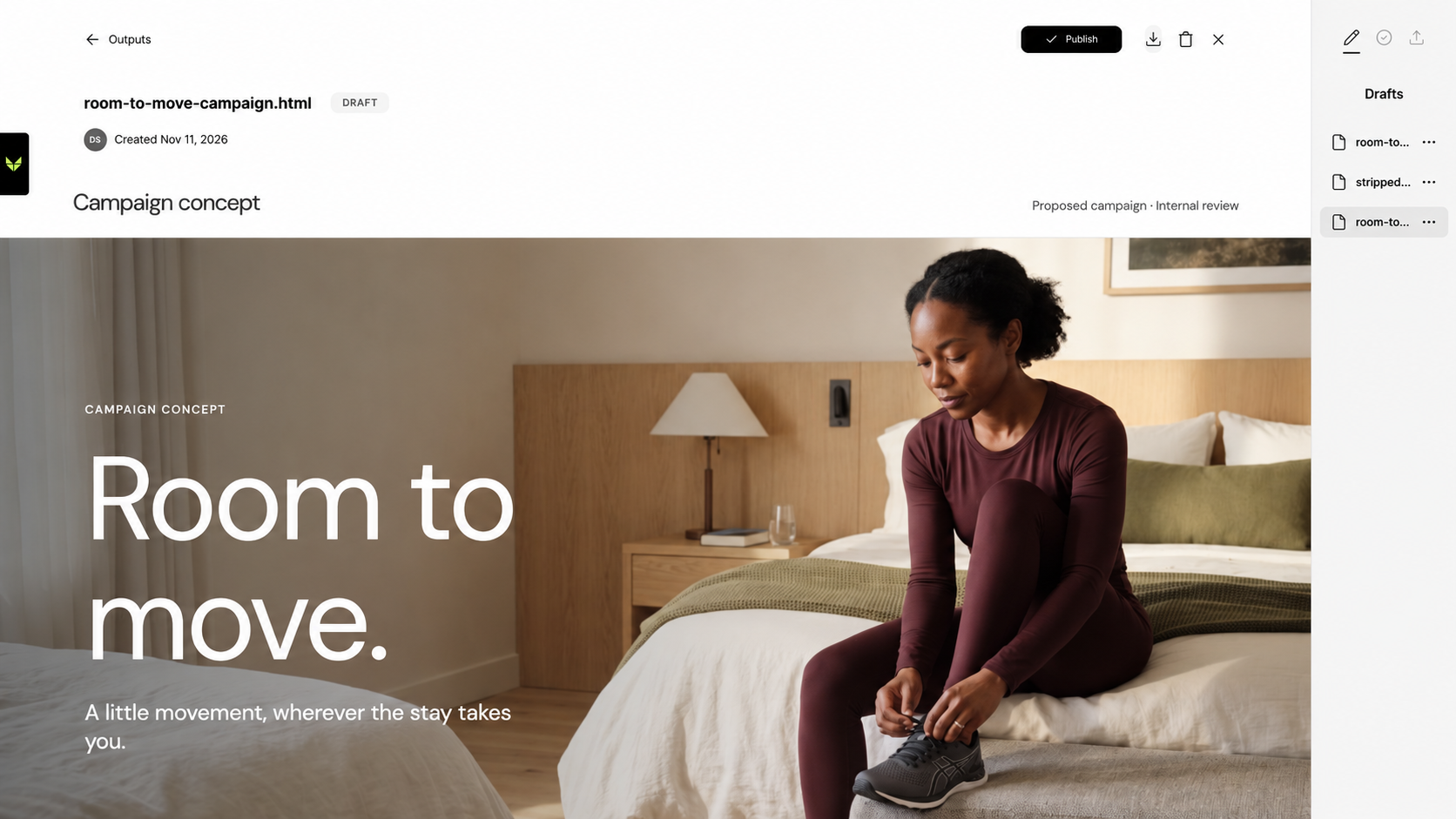
Turn a brief into a multi-channel creative concept. Review campaign imagery, sample copy and the thinking behind the idea before choosing what to develop.
Creative Concept
Make a recurring report easier to explore.
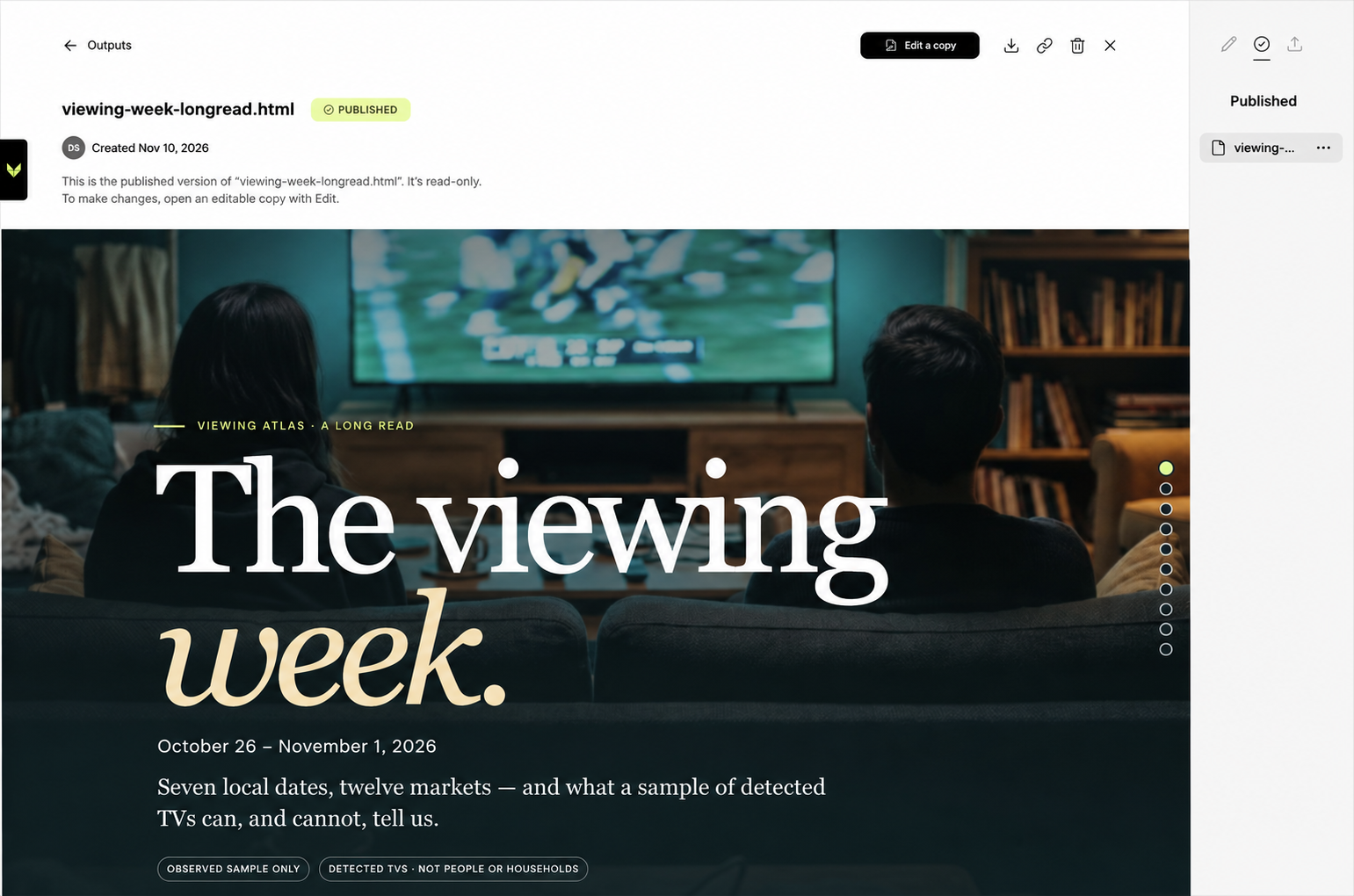
Turn a weekly viewing feed into an interactive report with chapter navigation and charts. Let people move from the summary to the patterns behind it.
Interactive Viewing Report
Start with the work. Build around the decision.
A useful app begins with a specific task and the people responsible for it—not a generic interface looking for a use case.
- 01
Start with the work
Choose a recurring task, the people who own it and a result worth improving.
- 02
Build in Veylan
Connect relevant knowledge, data and tools. Shape the app around the way your team reviews and decides.
- 03
Put it to work
Test with real inputs, keep people at decision points and improve the app as the work changes.
See what an app could look like around your work.
Bring one recurring task, the information it depends on and the decision your team needs to make.